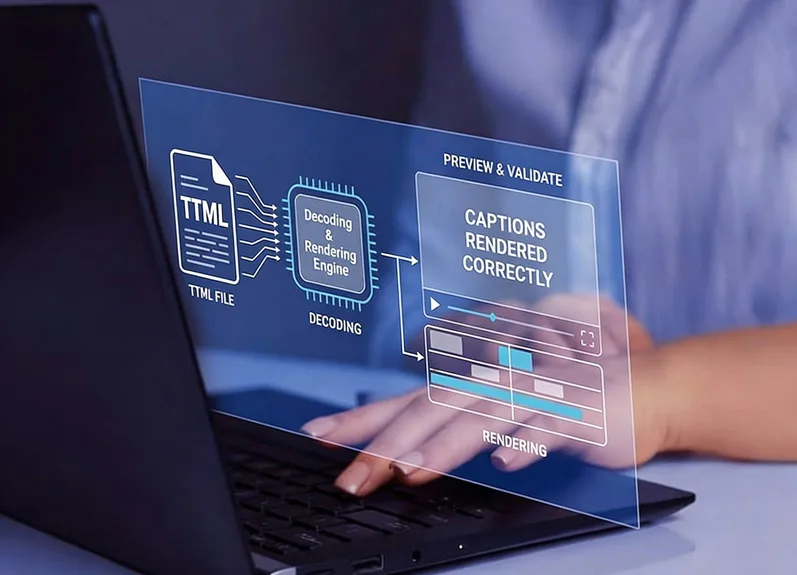
OOONA’s TTML Renderer is a free browser-based tool for previewing and troubleshooting TTML and IMSC subtitle files. Built on the updated version of Sandflow’s IMSC1 Renderer, it gives you a preview of your subtitles against a green screen or a locally stored video without installing any software. A built-in XML editor updates the preview as you type and helps you troubleshoot any issues within your TTML files and fix them on the fly.
Instant Rendering Preview subtitles exactly as they will appear in a player.
No Installation Required The tool runs directly in your browser. Nothing to download or configure.
Edit with Ease Edit your file directly in the built-in XML editor and see changes reflected in the preview instantly.
Broad Format Support Full support for non-IMSC1 files and SMPTE time base included.
Built for Professionals Designed for subtitlers, localization teams, and broadcast engineers.
Hotkeys
The tool supports keyboard shortcuts to allow you to quickly search, replace text and jump between events, keeping your workflow fast:
← →Move between events (when focus is outside the editor)
Ctrl+F Search for text
Alt+G Jump to a specific line
Support
TTML Renderer is part of a growing collection of free tools provided by OOONA to support the captioning and media localization community. We hope it becomes an effective part of your QC workflow, to validate TTML / IMSC files, catch and fix issues, and quickly check for possible burn-in overlaps with your video. All Timed Text Lab tools are actively maintained and improved.