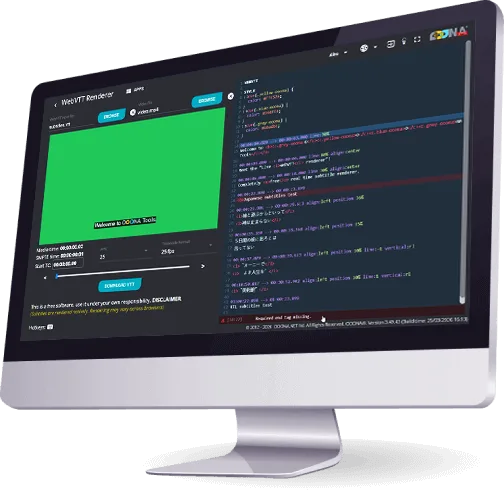
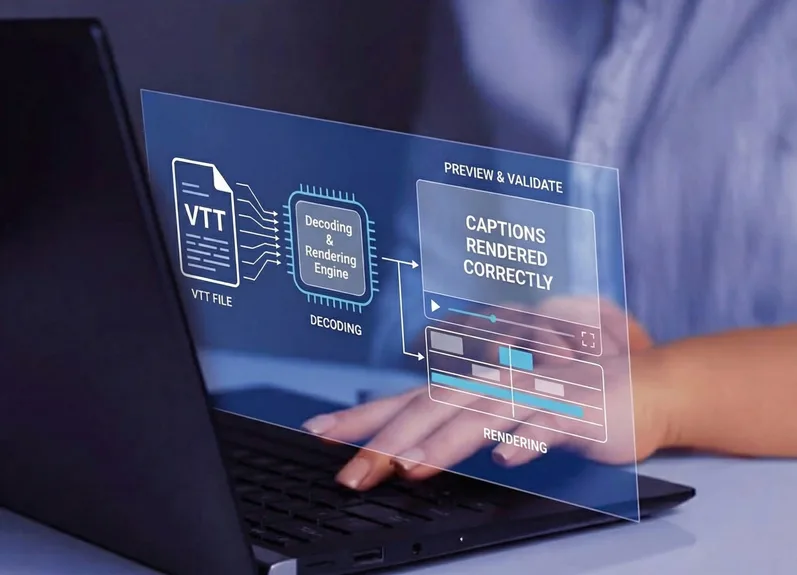
OOONA’s VTT Renderer is a free browser-based tool for testing and editing Web Video Text Tracks (WebVTT) files. It allows you to instantly preview your subtitles, edit your file’s content and modify its syntax, and preview all changes in the built-in player instantly. You can download the updated file when you’re done.
Instant Preview Import a WebVTT file and see how it renders in a player instantly.
No Installation Required The tool runs directly in your browser. Nothing to download or configure.
Edit with Ease Edit your file directly in the integrated text editor and see changes reflected in the preview as you type.
Format Support Full support for WebVTT, including cue settings, positioning and styling.
Download in Seconds Save your updated file and download it as soon as you’re done editing.
Built for Professionals Designed for subtitlers, localization teams, and web video producers.
Hotkeys
The tool supports keyboard shortcuts to allow you to quickly search, replace text and jump between events, keeping your workflow fast:
← →Move between events (when focus is outside the editor)
Ctrl+F Search for text
Alt+G Jump to a specific line
Support
VTT Renderer is part of a growing collection of free tools provided by OOONA to support the captioning and media localization community. We hope it becomes an effective part of your QC workflow, to validate WebVTT files, catch and fix issues, and quickly check your subtitles render correctly before delivery. All Timed Text Lab tools are actively maintained and improved.