

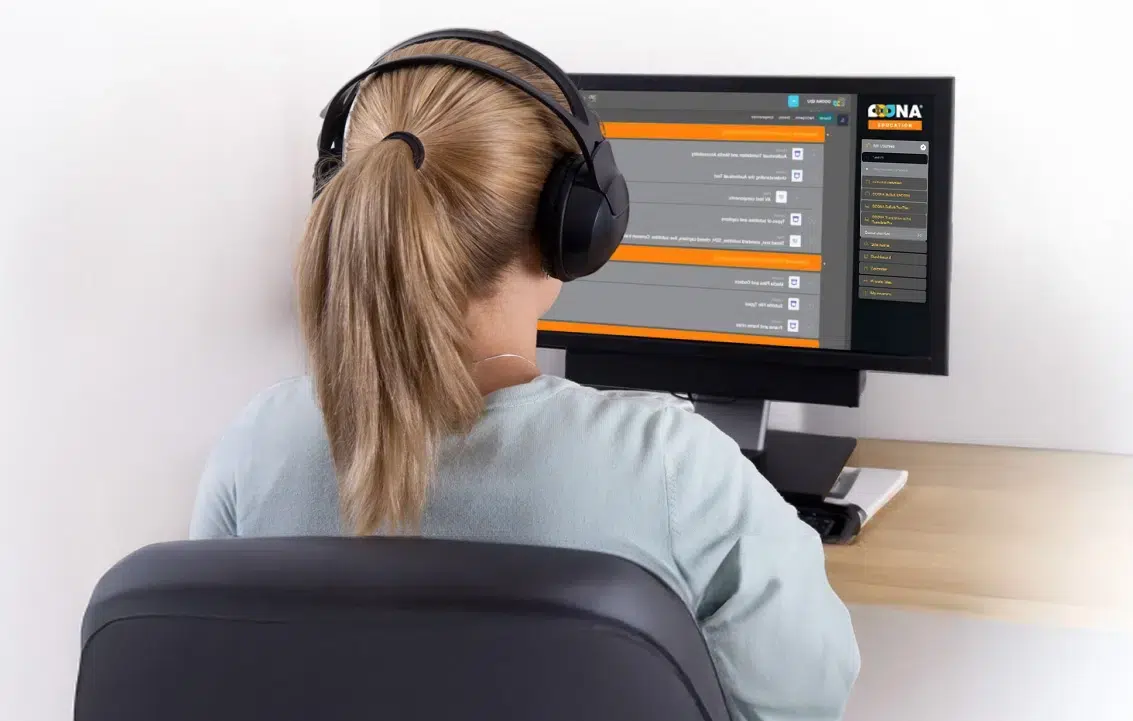

Ooona Courses Subtitling Essentials (Self-Evaluated)
EDUCoursesOOONA | GoSubSubtitling Essentials (Self-Evaluated)
England flag

Subtitling Essentials (Self-Evaluated)

Learn the essentials of subtitling — master core principles, industry standards, and hands-on techniques to craft your own professional subtitles

$89.00

14

No. Lessons

Self-Paced

Duration

10

No. Video Tutorials

Beginner

Course Level

Self-evaluated

Course Type

14

No. Tasks

English

Language

FEATURES STANDARD PLUS
Self-evaluated course %standard% %plus%
Understand the peculiarities of audiovisual text %standard% %plus%
Work with professional, industry-standard subtitling software %standard% %plus%
Apply theoretical concepts through practical exercises %standard% %plus%
Gain confidence in using subtitling jargon %standard% %plus%
Produce and format open subtitles for video content %standard% %plus%
Edit, refine, and perform quality assurance on subtitle files %standard% %plus%
Certificate of Completion %standard% %plus%

What's in it for me

Premium learning experience

Gain access to our full suite of training materials created by experts in subtitling

Hands-on practical exercises

Learn how to subtitle with real job tasks so you are best prepared for the market

Access to professional subtitling software

Learn and gain experience on the industry-leading OOONA platform

Familiarize yourself with the AVT industry

Understand the subtitling market whilst putting theoretical knowledge into practice

Discounts on professional software

Enjoy exclusive discounts to the OOONA platform and tools!

Certificate of Completion

A Certificate of Completion is awarded at the end of the course.

COURSE OVERVIEW

This self-evaluated course is designed for anyone wishing to build a solid foundation in subtitling, whether you are completely new to the field or have some informal experience but no structured training.

It introduces the fundamental principles, terminology, and professional standards that underpin effective subtitling. Participants will learn about industry guidelines, timing and segmentation rules, reading speed, and layout conventions, as well as gain hands-on experience with key technical processes, workflows and file formats.

By understanding both the practical techniques and the reasoning behind them, students will develop the ability to make informed decisions and produce clear, accurate, and viewer-friendly subtitles.

This course follows a self-evaluated learning model, allowing you to actively assess your progress. After completing each task, you will receive an answer key and detailed guidance to compare your work against model solutions, helping you identify areas for improvement and consolidate your understanding. This course does not include individual tutoring or personalized feedback on submitted tasks. Learners are encouraged to rely on the provided answer keys and model solutions for self-assessment and skill development.

No prior experience in translation or subtitling is required; this course serves as the ideal starting point for anyone looking to enter the world of subtitling.

Course credentials

Students who successfully complete the  GoSub Subtitling Essentials course will receive a GoSub EDU certificate of completion.

TARGET AUDIENCE

%benefit-title%

Translators or interpreters seeking professional media training

%benefit-title%

Freelancers working from home looking to increase their income

%benefit-title%

Recent translation course graduates or students

%benefit-title%

Individuals seeking to enter the TV and film industries

syllabus

  • Welcome and Introduction
  • Course Overview, Learning Outcomes and Schedule
  • Support and FAQs
  • Lesson 1. Audiovisual Translation and Media Accessibility
    • About Audiovisual Translation and Media Accessibility
    • Audiovisual Translation Modes
    • Media Accessibility Modes
    • Viewer Preferences

TASK A - Multiple Choice

  • Lesson 2. Understanding the Audiovisual Text
    • About Understanding the Audiovisual Text
    • Types of Audiovisual Texts
    • The Characteristics of Film as an Audiovisual Text
    • Relationships Among the Elements of the Audiovisual Text

TASK B - Quiz

  • Lesson 3: Frames, Timecodes and Shot Changes
    • About Frames, Timecodes, and Shot Changes
    • Frames and Frame Rates
    • Timecodes and SPMTE
    • Shots and Shot Changes
    • The Importance of Respecting Shot Changes in Subtitling
    • Scene Changes

TASK C - Fill in the Blank

  • Lesson 4: Subtitle Types & Media Files
    • About Subtitle Types & Media Files
    • Types of Subtitles
    • Media Files as Containers
    • Codecs
    • Hard-Burned or Hard-Coded Subtitles
    • Soft or Selectable Subtitles
    • Browsing Subtitle Tracks on Netflix

TASK D - Quiz

  • Lesson 5: Constraints, Readability and Reading Speed (cps)
    • About Constraints, Readability and Reading Speed (cps)
    • Legibility
    • Space and Time Constraints
    • Reading Speed: Characters Per Second

TASK E - True or False

  • Lesson 6: Subtitling Workflows
    • About Subtitling Workflows
    • Subtitling Workflow for Small-Scale Projects
    • Workflow for Large-Scale Projects in the Entertainment Industry

TASK F - Quiz

  • Lesson 7: Materials
    • About Materials
    • Templates
    • Subtitling Guidelines (aka Style Guides)
    • Guidelines for Subtitles for the Deaf and Hard of Hearing (SDH)
    • Dialogue List and Post-Production Script
    • KNPs

TASK G - Multiple Choice

  • Lesson 8: Subtitling Software
    • About Subtitling Software
    • Necessary Features in Subtitling Software
    • Desktop vs. Online Software
    • Free vs. Paid Software


  • Lesson 9: Writing Subtitles
    • About Writing Readable Subtitles
    • Correct Spelling, Grammar and Syntax
    • Segmentation: Line and Subtitle Breaks
    • Condensing
    • Merging Dialogues
    • Working with OOONA – Scripts
    • Working with OOONA – Editing

TASK H - Exercise

TASK H - Exercise KEY

TASK I - Segmentation

TASK I - Segmentation KEY

  • Lesson 10: Guidelines: Project Specifications
    • About Guidelines: Project Specifications
    • Working with Guidelines: Project Specifications
    • Working with OOONA – Projects & Templates
    • Working with OOONA – Project Settings

TASK J - Project Settings

TASK J - Project Settings KEY

  • Lesson 11: Timing
    • About Timing
    • Timing
    • Utterance
    • Synchronization with Image: Shot Changes
    • Timing-Related Settings in OOONA
    • Working with OOONA – Hotkeys
    • Working with OOONA – Timing
    • Working with OOONA – Validation

TASK K - Timing with Script

TASK K - Timing with Script KEY

  • Lesson 12: Reviewing & Validation
    • About Reviewing & Validation
    • Recommended Process
    • Working with OOONA – Timecode Recuts
    • Working with OOONA – Subtitle Checks

TASK L - Reviewing

TASK L - Reviewing KEY

  • Lesson 13: Subtitle File Types
    • About Subtitle File Types
    • SRT (SubRip Text)
    • WebVTT (Web Video Text Tracks)

TASK M - Subtitle File Types

TASK M - Subtitle File Types KEY

  • Lesson 14: Recap
    • Essential Recap

Glossary

TASK N - Timing without Script

TASK N - Timing without Script KEY

Conclusion

HAVE MORE QUESTIONS?
DOWNLOAD PDF

TESTIMONIALS

t

t

Fill in your details below

BOOK A MEETING

Please select your subject of interest:

ooona integrated
subtitling software
ooona testing
ooona training
education